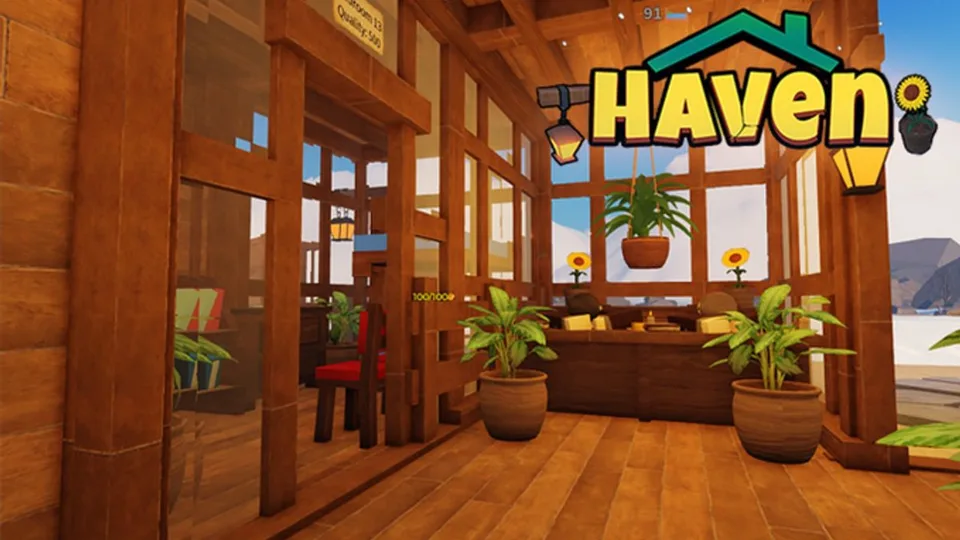
Build a Haven puts you on a mountain plot with travelers who will pay if the lodge can actually take care of them. The official description is the whole loop in one line: accept visitors, build beds, fires, food, shelter, and hot showers, collect cash earned while offline, and expand the coziest Haven you can.
Before the first purchase
Join the experience and claim your plot. Until a receptionist is assigned, you accept travelers yourself. Open the hammer, also called the build tool, only for the thing your current Haven level is asking for.
A January 2026 building tutorial shows these controls:
- Select an item from the backpack, then place it.
- Press R to rotate before you confirm.
- Use the red hammer to delete or remove a placed piece.
- Open the three dots above the backpack for the stair tool and the floor tool. Both were shown at about 1000 coins, and neither is a day-one buy.
The first session
- Accept one traveler and watch which need fails.
- Place a campfire or furnace on the path they actually walk. Warmth is the Level 1 need.
- When Hunger unlocks, place a coal cooker and staff the black-rock mine at the back of the plot.
- When Sleep unlocks, add enough beds for the people you are willing to accept.
- Plant the starter farm. Wheat is the first crop. Move toward tomatoes only after heat and food are stable.
- Log out with workers still assigned, then collect offline coins before the next shopping trip.
What to ignore on day one
Stairs cost about 1000 coins and take about six hours at the wood pile between the lodge and the farms. That money covers heat, a cooker, or beds instead. Decoration packs, hot tubs, and painting do not complete a need by themselves.
A receptionist that auto-accepts travelers is useful later. Turn it on only after the lodge can serve the people it lets in.
A repeatable login
- Collect offline earnings.
- Check coal at the rear mine and at the cooker.
- Replant empty farm plots and confirm the gardener.
- Walk one guest from the entrance through every unlocked need.
- Spend on the next missing facility, then stop.
If a placement will not stick, or a worker stands still after you move a wall, fully leave the experience and rejoin before you rebuild the same room. A January 2026 tutorial also warns that switching among multiple saves is safer after a full exit. That routine is player-demonstrated, not a studio support article.
Where to go next
Read visitor needs for the level ladder, how to get coal before you buy baths, and farming once wheat is in the ground.